
BioForge: Reforged
Origin's 1995 cyborg adventure, playing natively on your Mac, with previews for Linux and the Steam Deck.
PreviewLinux AppImage (x86_64, Steam Deck)Linux AppImage (ARM64)
Version 0.1.0 · Free · macOS 14 or later, Apple silicon and Intel
About
What the port does
The port runs BioForge’s own scripts and data on an engine written in Swift, with previews for Linux and the Steam Deck.
Built from the original
Same scripts, same rules. The port runs the game’s own scripts and data, so fights and puzzles work as they did on DOS. I check it against the DOS game running in DOSBox-X. You bring your copy of BioForge from GOG; No game data or assets shipped.
Your choice of look
1995 by default. The game starts in its original 320×200 picture. In the View menu you can switch on High-Resolution Art at 2x or 4x, which your Mac builds from your own files with Venomalia’s HDcube model (used with permission). Readable Text gives the small monitor fonts more spacing and a shadow.
No numpad needed
Remap anything. The default keys fit a laptop keyboard, and every action takes a second key if you want one. Game controllers work out of the box, the Steam Deck included. Your saves stay DOS saves: copy GAME1.IM1 between the port and the original and it loads on both sides.
Version 0.1
Early, and open source. A script plays the whole game to the ending in every build, but nobody has finished it by hand yet. The builds for Linux and the Steam Deck are earlier still. The known differences list what still plays differently. This is a work in progress, and contributions are welcome!
Screenshots
Each pair is the same moment: left as the DOS game draws it, right with 4x High-Resolution Art and Readable Text.
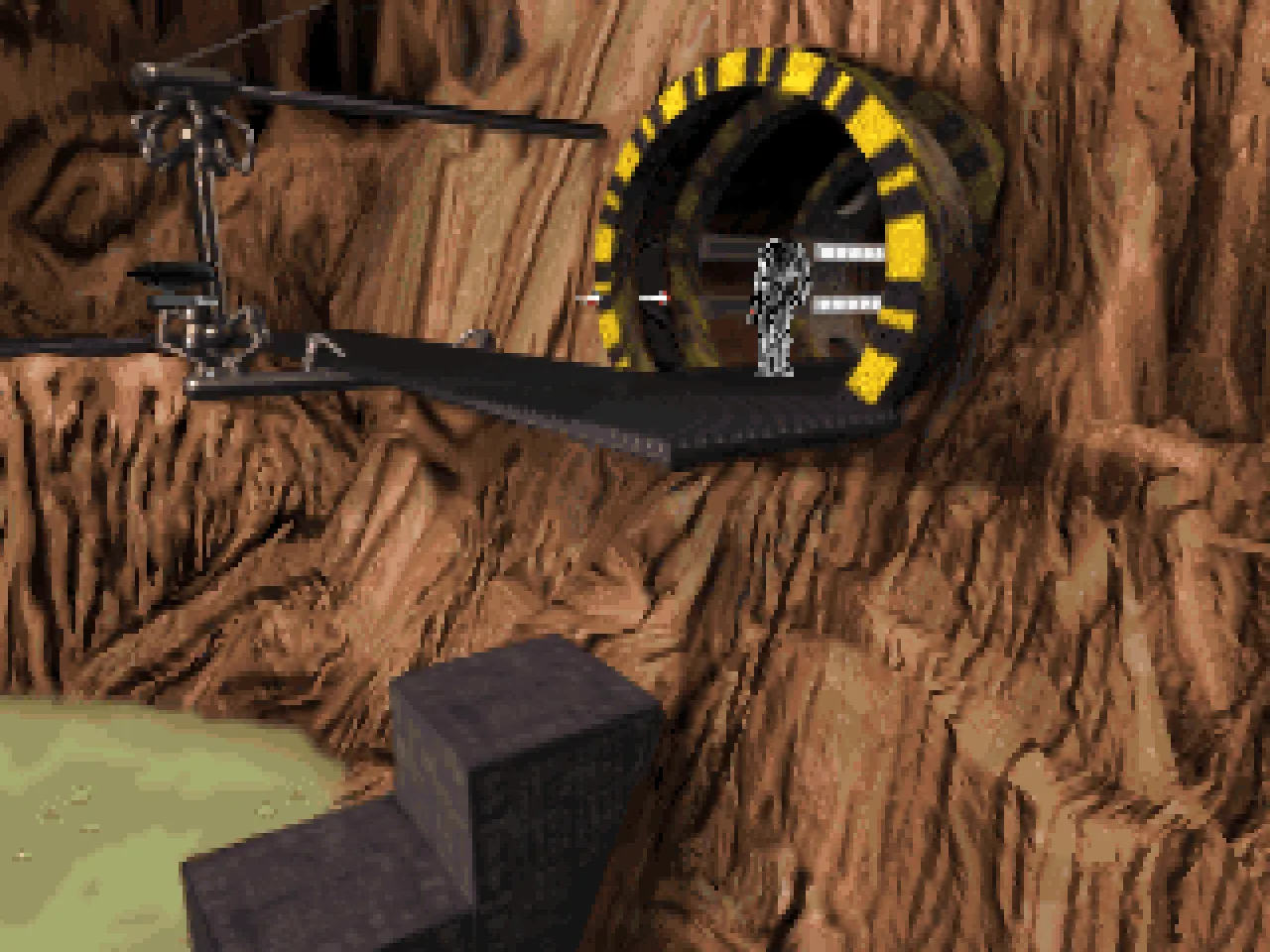
Original, 320×200
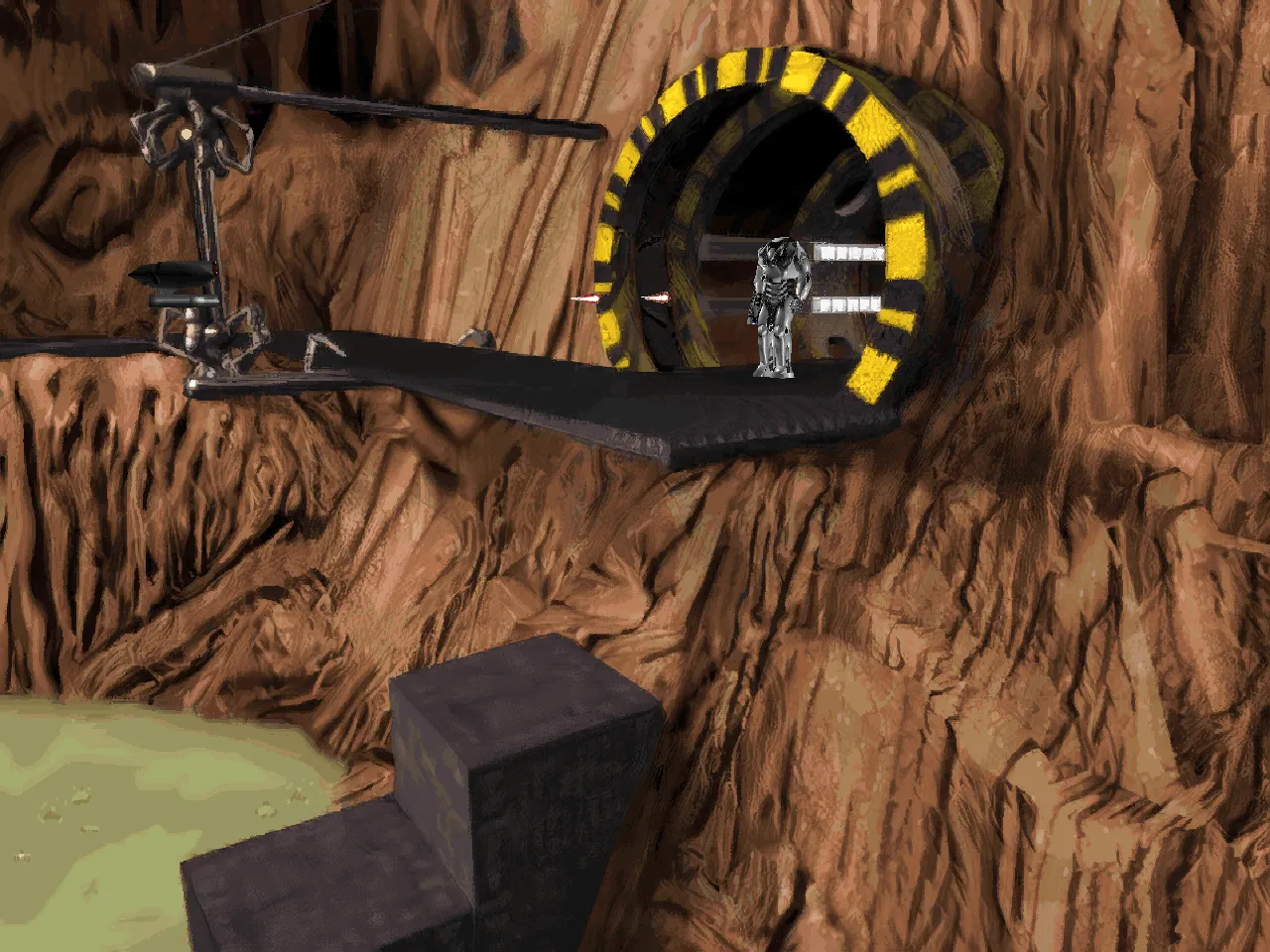
4x High-Resolution Art, Readable Text
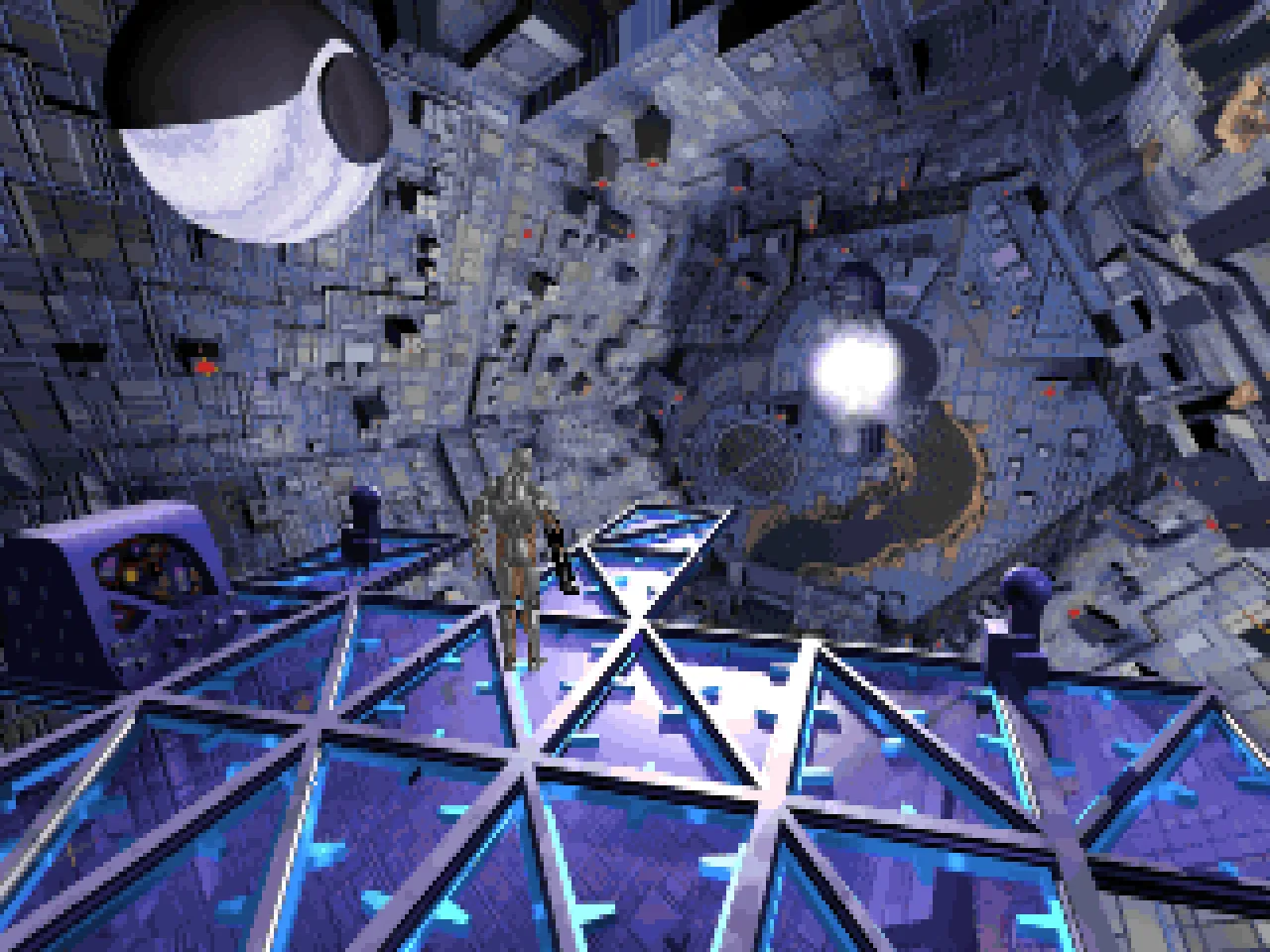
Original, 320×200
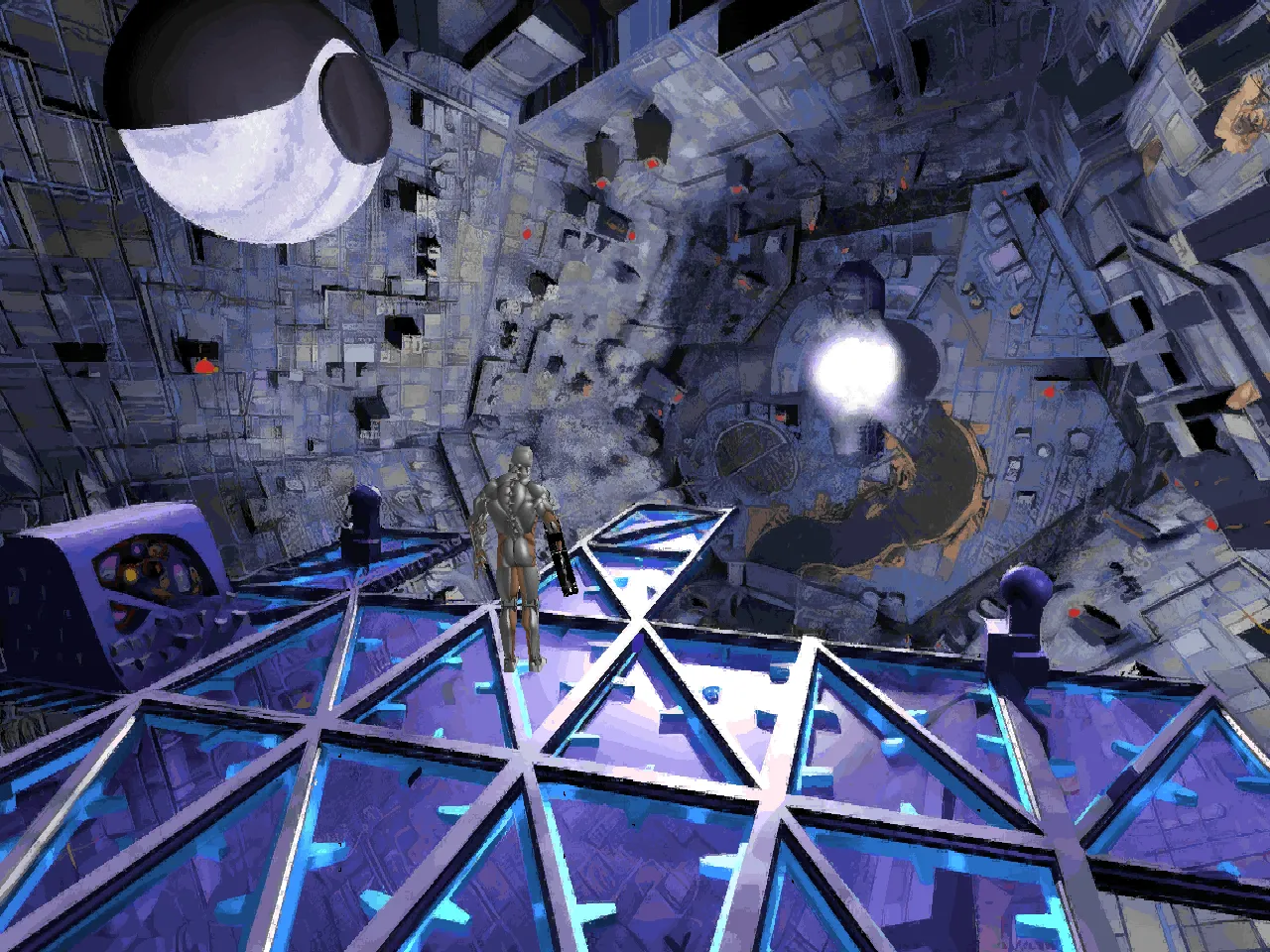
4x High-Resolution Art, Readable Text
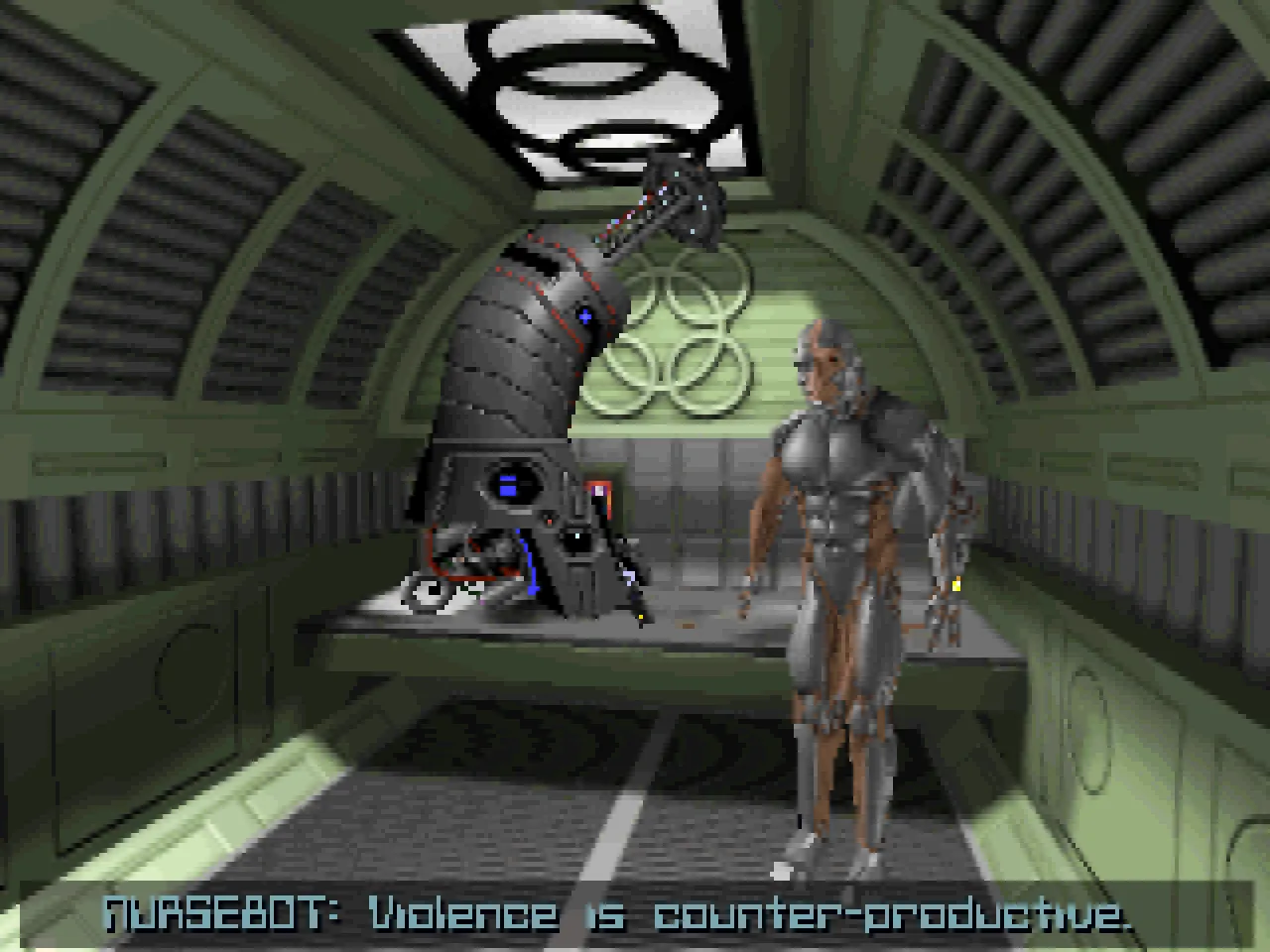
Original, 320×200
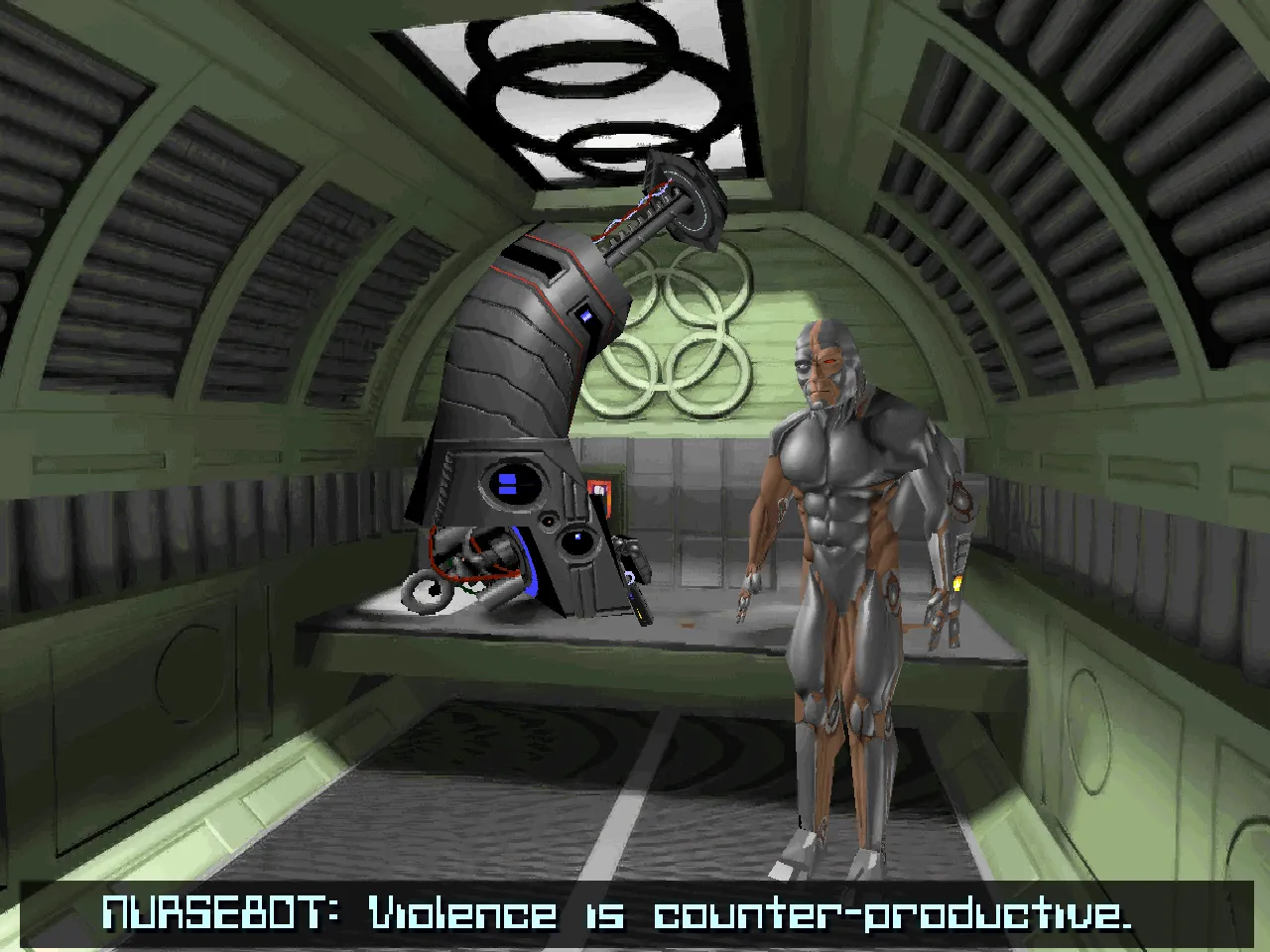
4x High-Resolution Art, Readable Text
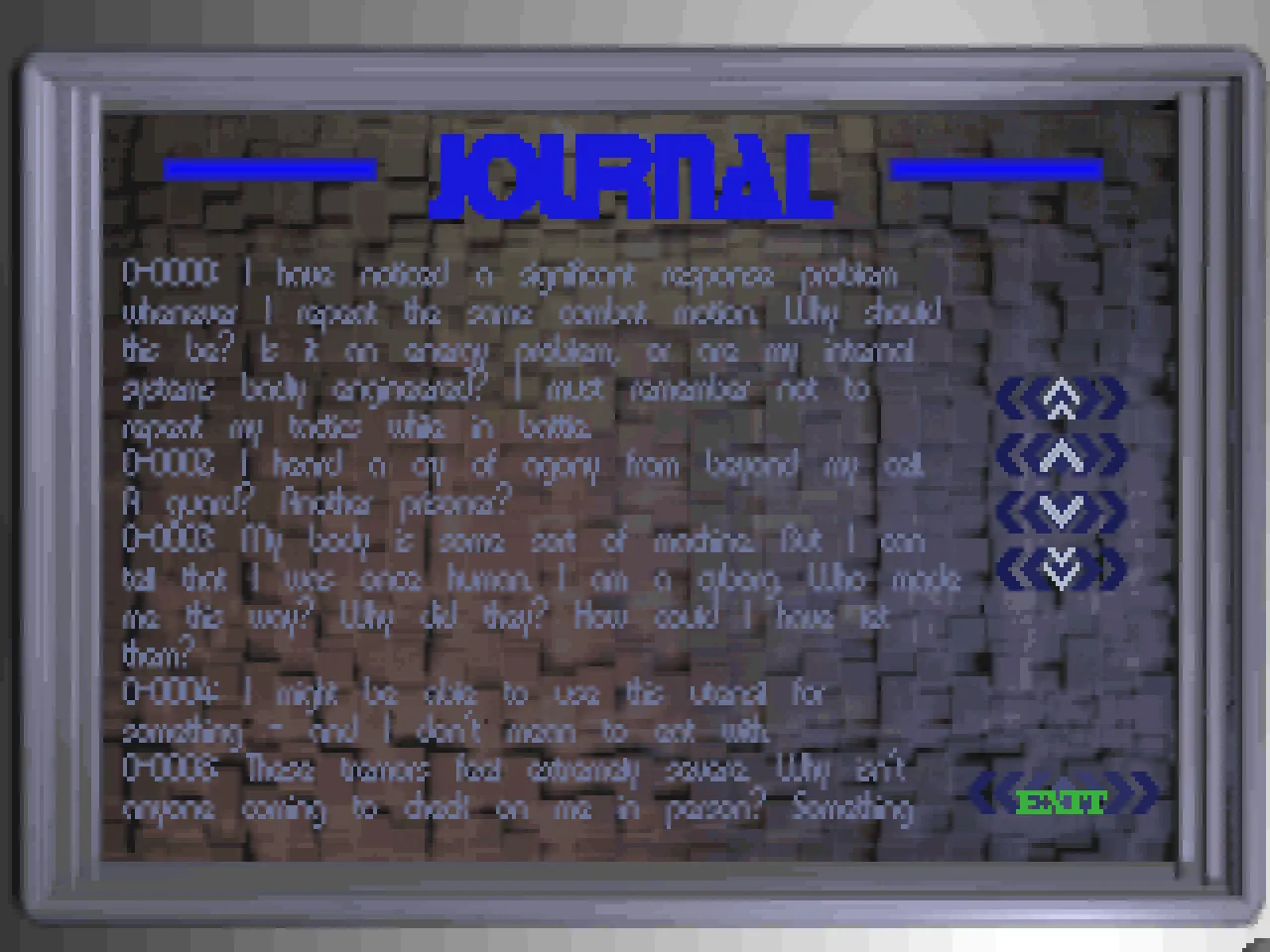
Original, 320×200
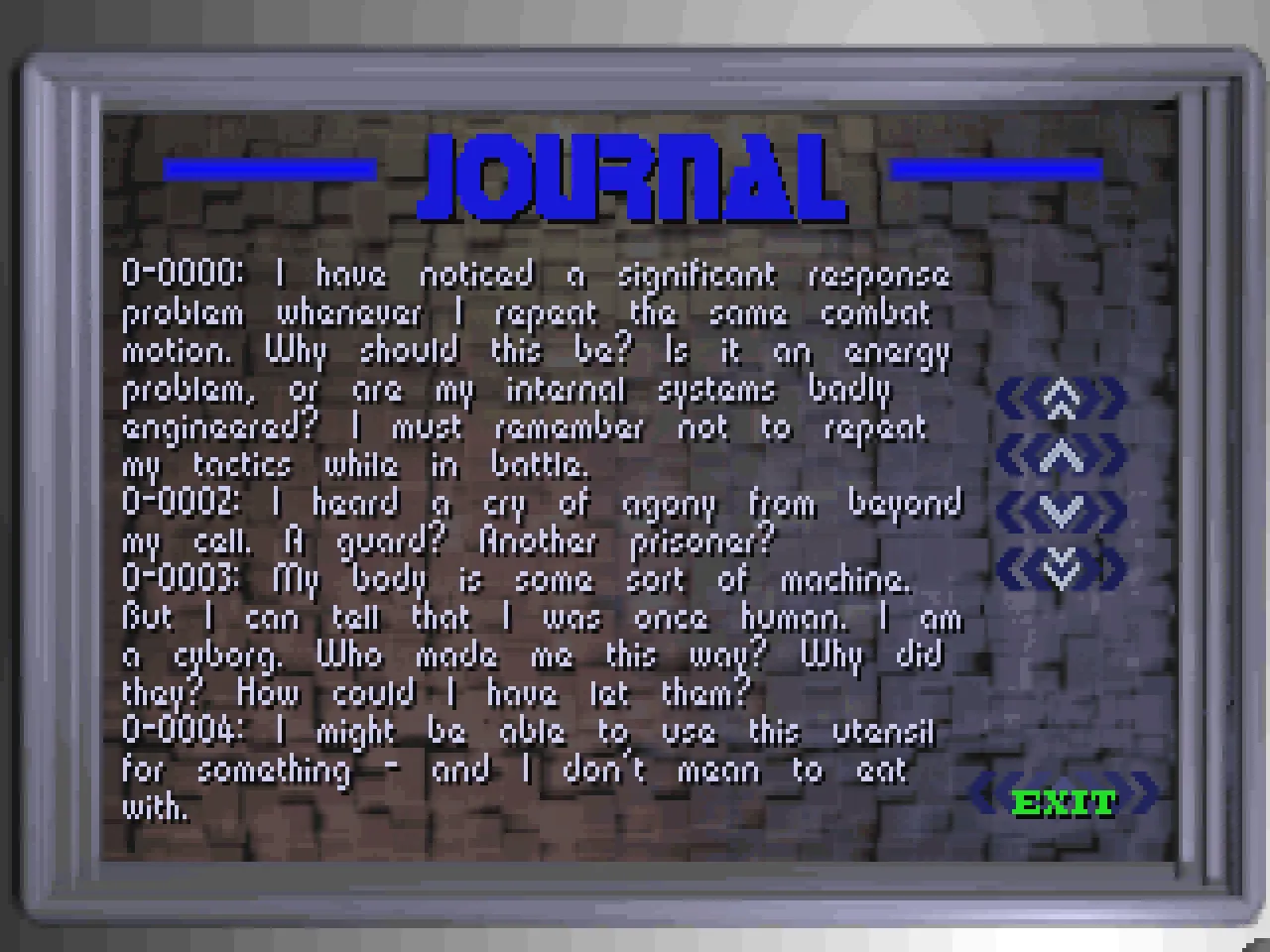
4x High-Resolution Art, Readable Text
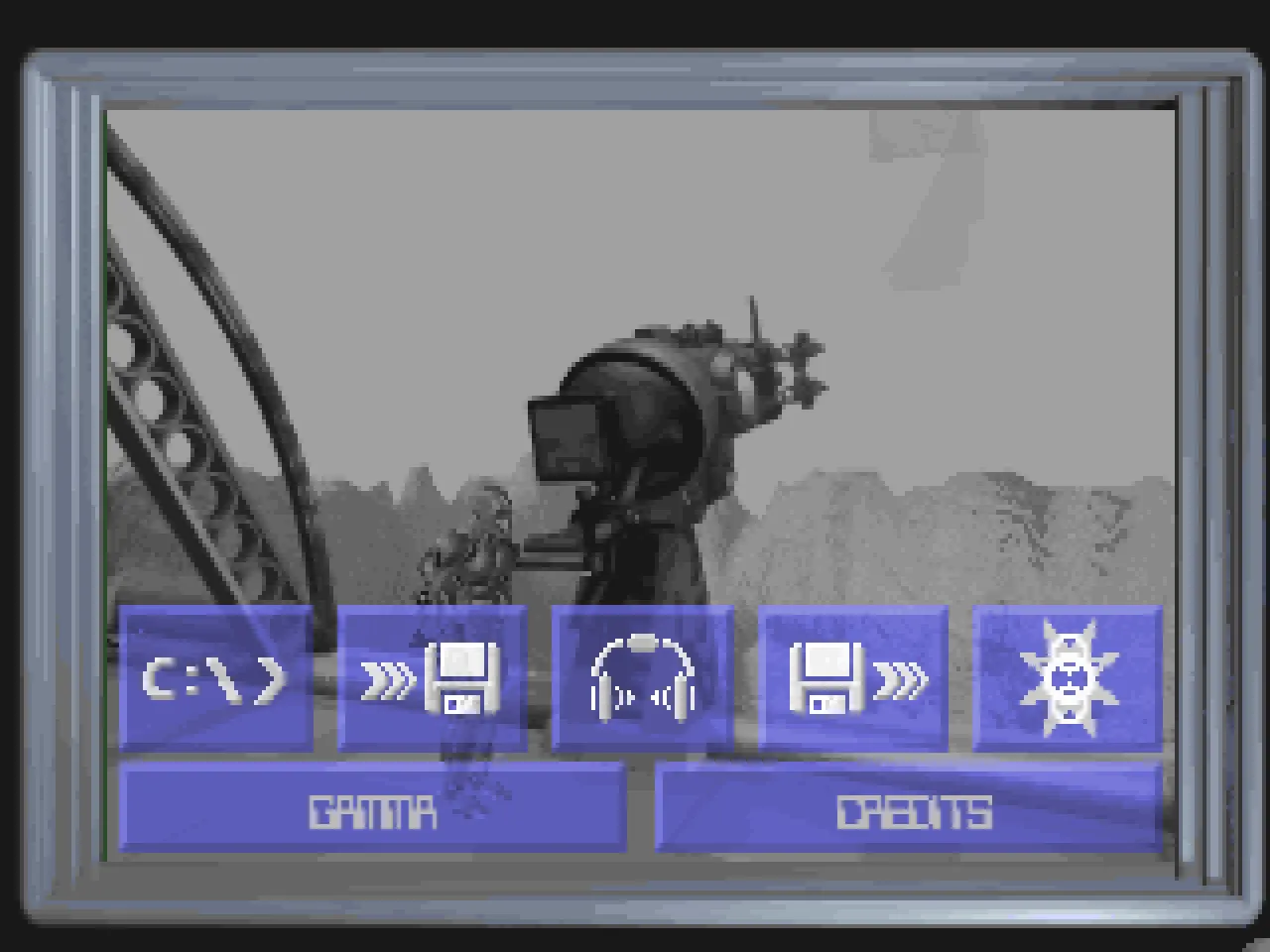
Original, 320×200
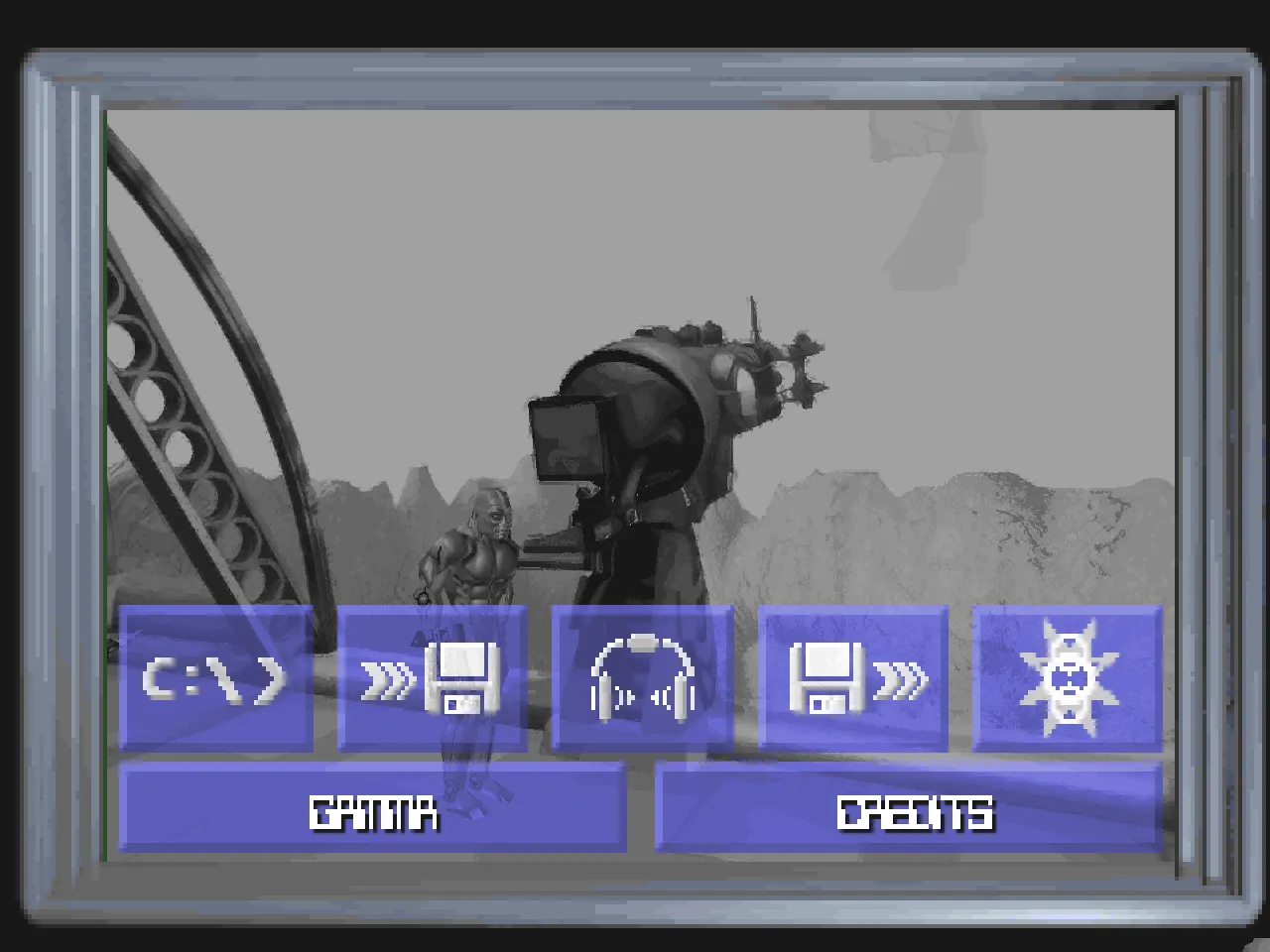
4x High-Resolution Art, Readable Text
Tools and frameworks
The port
- Swift and Swift Package Manager
- AppKit for the Mac app
- Metal for the picture
- Core ML to build the art on your Mac
- Game Controller and AVFoundation
- SDL3 for Windows, Linux and the Steam Deck
- TinySoundFont for General MIDI music
High-Resolution Art
- HDcube by Venomalia, used with permission
- PyTorch with spandrel and coremltools, to convert the model
Research and testing
Building and shipping
- Xcode and Apple’s notarization
- Apple’s container tool for the Linux builds
- AppImage for Linux and the Steam Deck
- GitHub Releases
- Claude Code (Opus 5.5 and Fable 5.2)
FAQ
Common questions
What is BioForge?
An action adventure by Origin Systems from 1995. You play Lex, a cyborg who wakes up in a prison cell with no memory and has to fight a way out of the base.
What do I need to play it?
A Mac with macOS 14 or later and the GOG release of BioForge. The first time you start the app, point it at the game folder. The download itself has no game data in it.
Does it run on Windows, Linux or the Steam Deck?
Linux and the Steam Deck, yes, as an early preview: an AppImage for x86_64 (which is also the Steam Deck’s) and one for ARM64. Windows follows later. High-Resolution Art stays Mac only for now.
What does it cost?
Nothing. The app is free and the code is on GitHub under the MIT license. You pay GOG for the game itself.
Can I keep playing my old DOS saves?
Yes. Copy GAME1.IM1 (or any slot up to GAME9.IM1) from your DOS install into the port’s Saves folder and load it. It works the other way round too. On top of the nine slots, the app saves on its own when you enter a new level and keeps the newest five.
Which languages are offered?
Just like in the original: English, German and French, for the voices and all the text. Your GOG copy already has all three, and Game > Language switches between them.
Can I hear the original AdLib music?
Yes. Game > Music Device picks between General MIDI and the AdLib arrangement the game shipped with.
How did you build it?
I took the original program apart in Ghidra, rebuilt the engine as a Python prototype and compared it with the DOS game running in DOSBox-X. The Mac app followed in Swift, about 23,000 lines over 464 commits, written with Claude Code. Every build plays the whole game through a script to catch regressions.
Is the High-Resolution Art AI generated?
It comes from a machine-learning model, HDcube by Venomalia. Your Mac runs it on your own game files and nothing gets uploaded. The port then maps every pixel back to the game’s 256 colours, so it stays pixel art.
I found a bug. What helps you most?
Help > Report a Bug… in the Mac app. It writes a zip with a save and a recording of your last minutes, which I can replay exactly. The app sends nothing by itself, so please open an issue on GitHub and attach the zip.
Are EA or Origin involved?
No. It’s a fan project of mine, with no connection to Electronic Arts or Origin Systems.